A widget is not one view. It is a face plus the entries ahead.
This bench draws both. AT END is the control — after the last entry the face goes STALE. AFTER DATE keeps a RELOAD chip so getTimeline can run again.
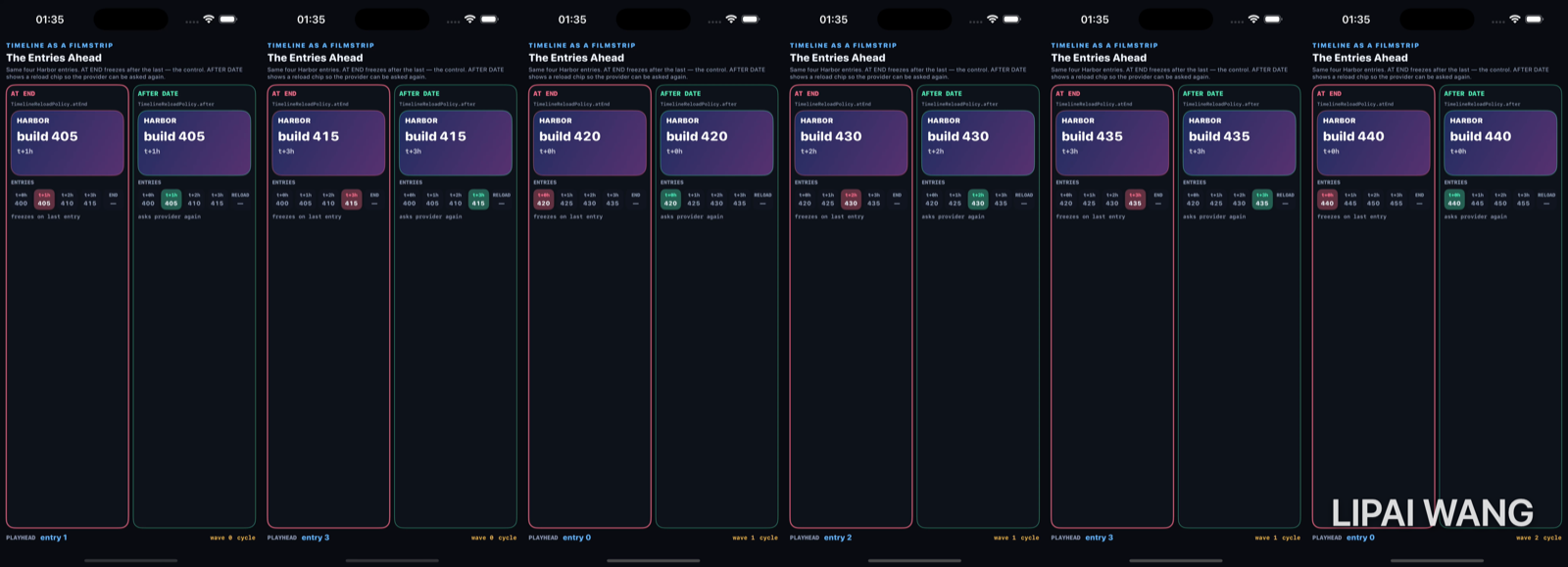
Entry 0 — same face, different futures
-mode e0
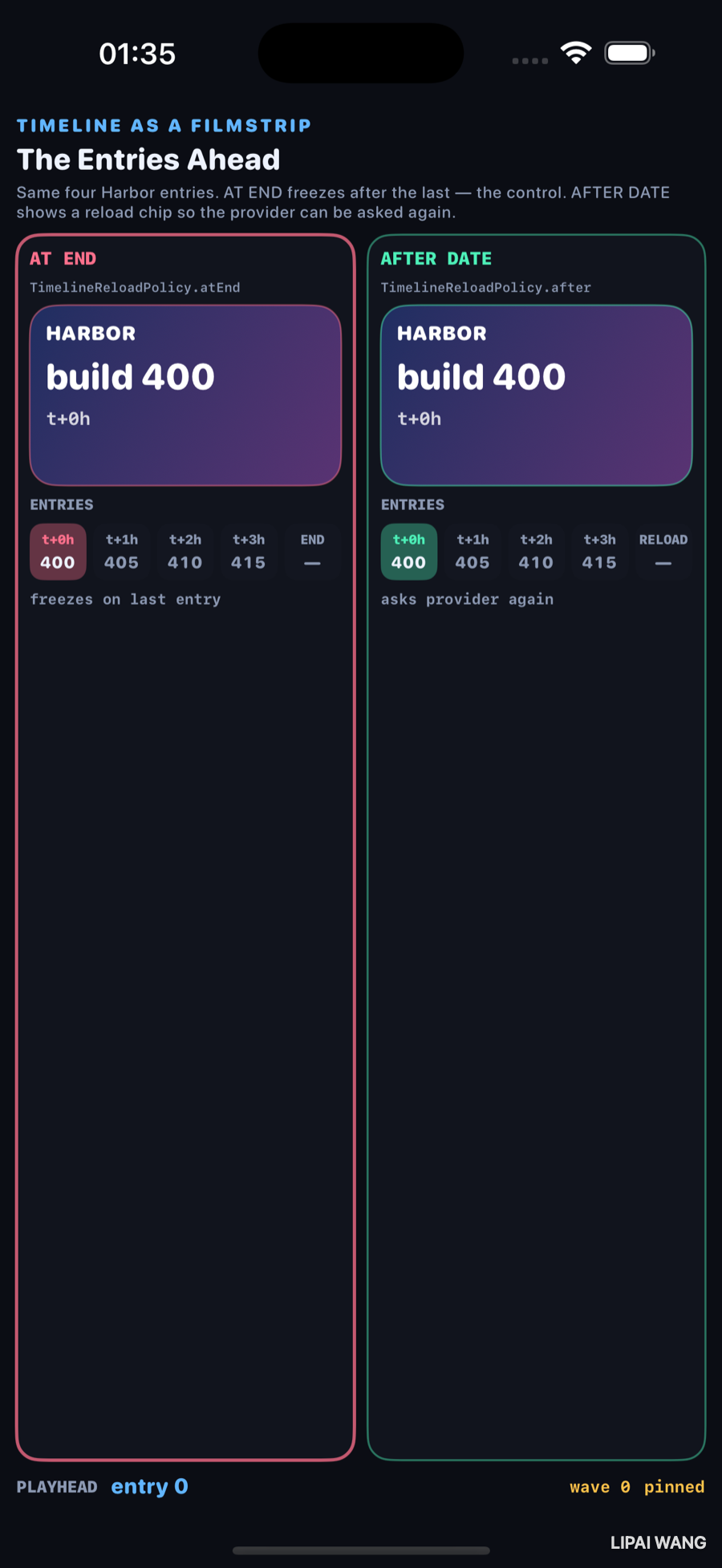
Both faces show build 400 · t+0h. The strip already disagrees on what happens after t+3h: END vs RELOAD.
Entry 2 — playhead mid-strip
-mode e2
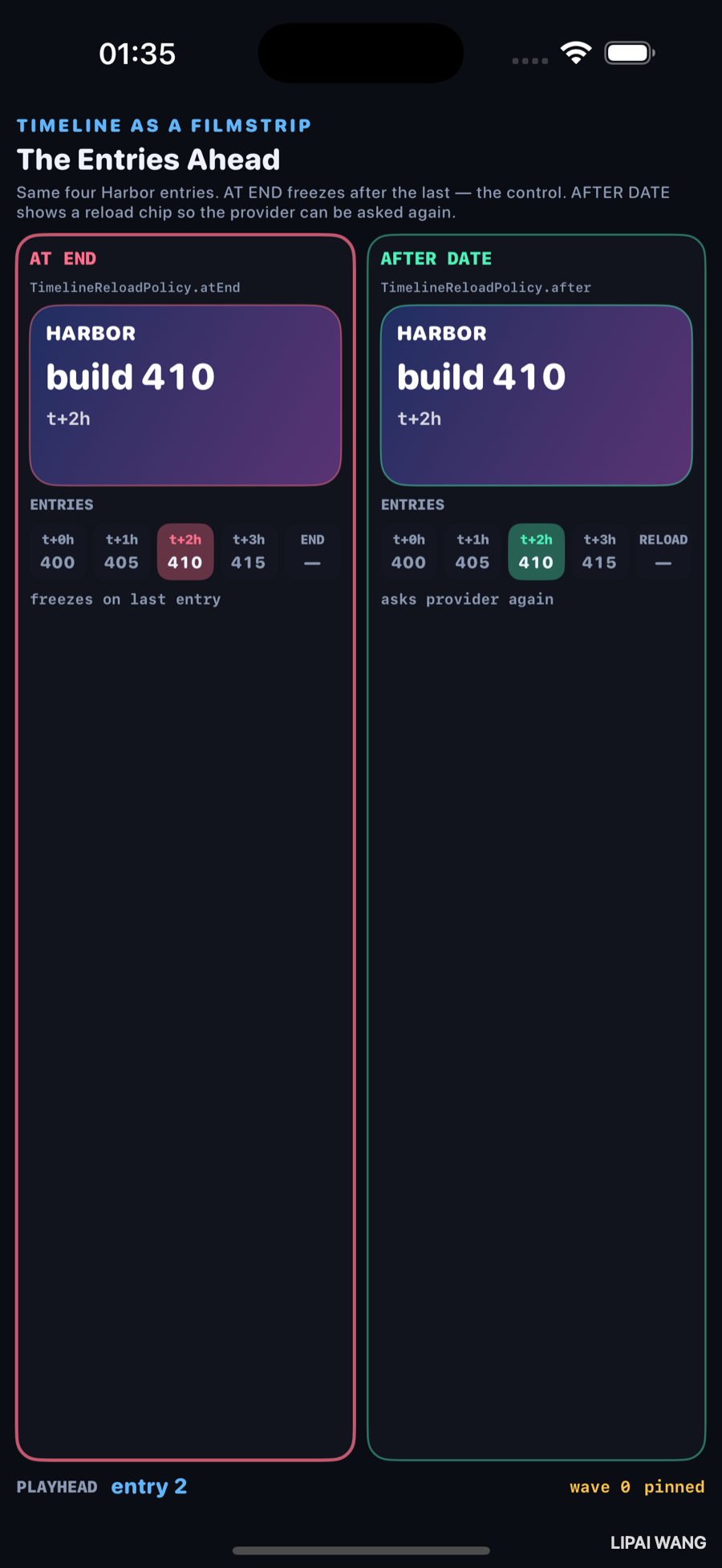
| Slot | Builds |
|---|---|
| t+0h | 400 |
| t+1h | 405 |
| t+2h | 410 ← playhead |
| t+3h | 415 |
Policies still look identical on the face. The lie (or the freeze) is still ahead.
Past end — STALE vs RELOAD
-mode stale
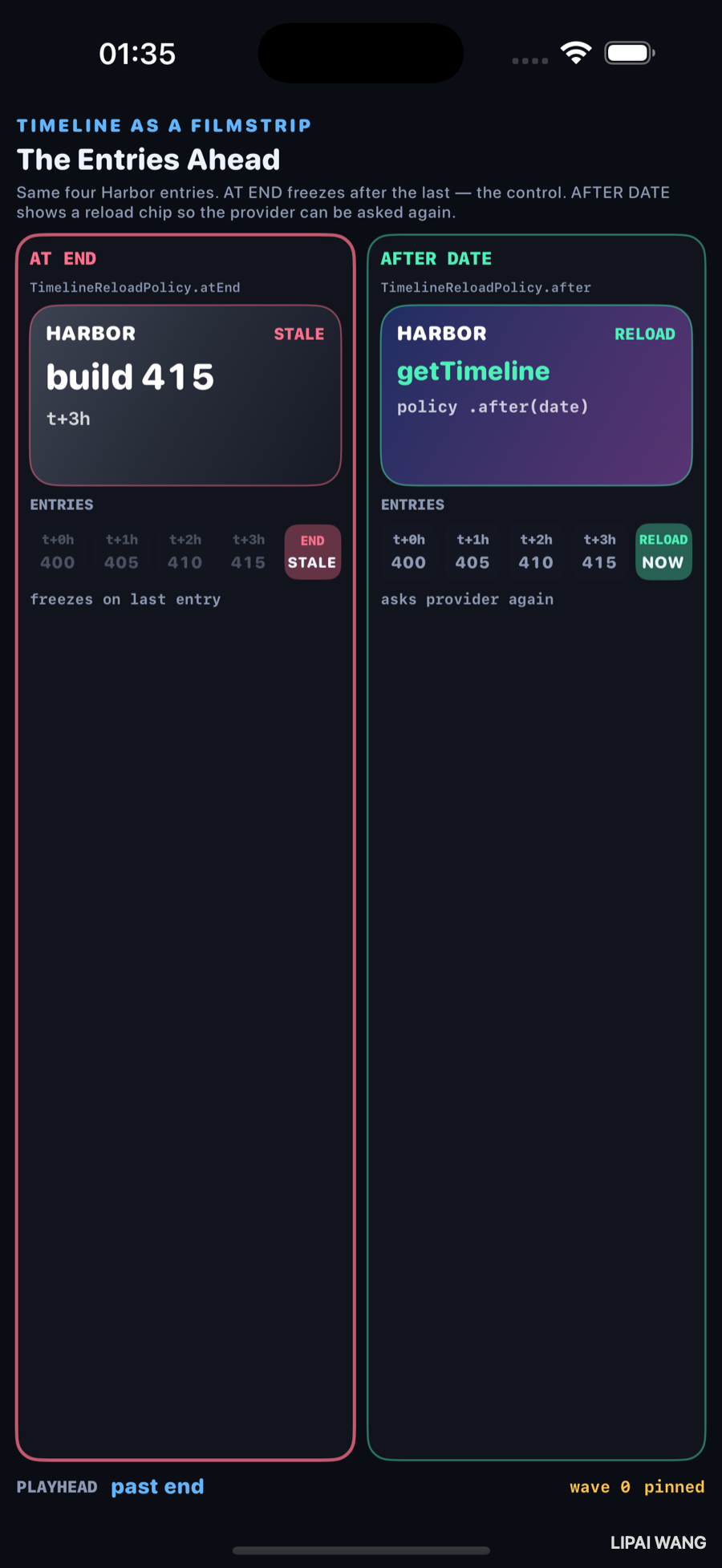
| Policy | Face | Strip tail |
|---|---|---|
| AT END (control) | STALE · build 415 · t+3h | END STALE |
| AFTER DATE | RELOAD · getTimeline | RELOAD NOW |
.atEnd keeps showing the last entry forever. .after(date) is a request for a new timeline.
Reload wave — provider asked again
-mode reload (wave 1)
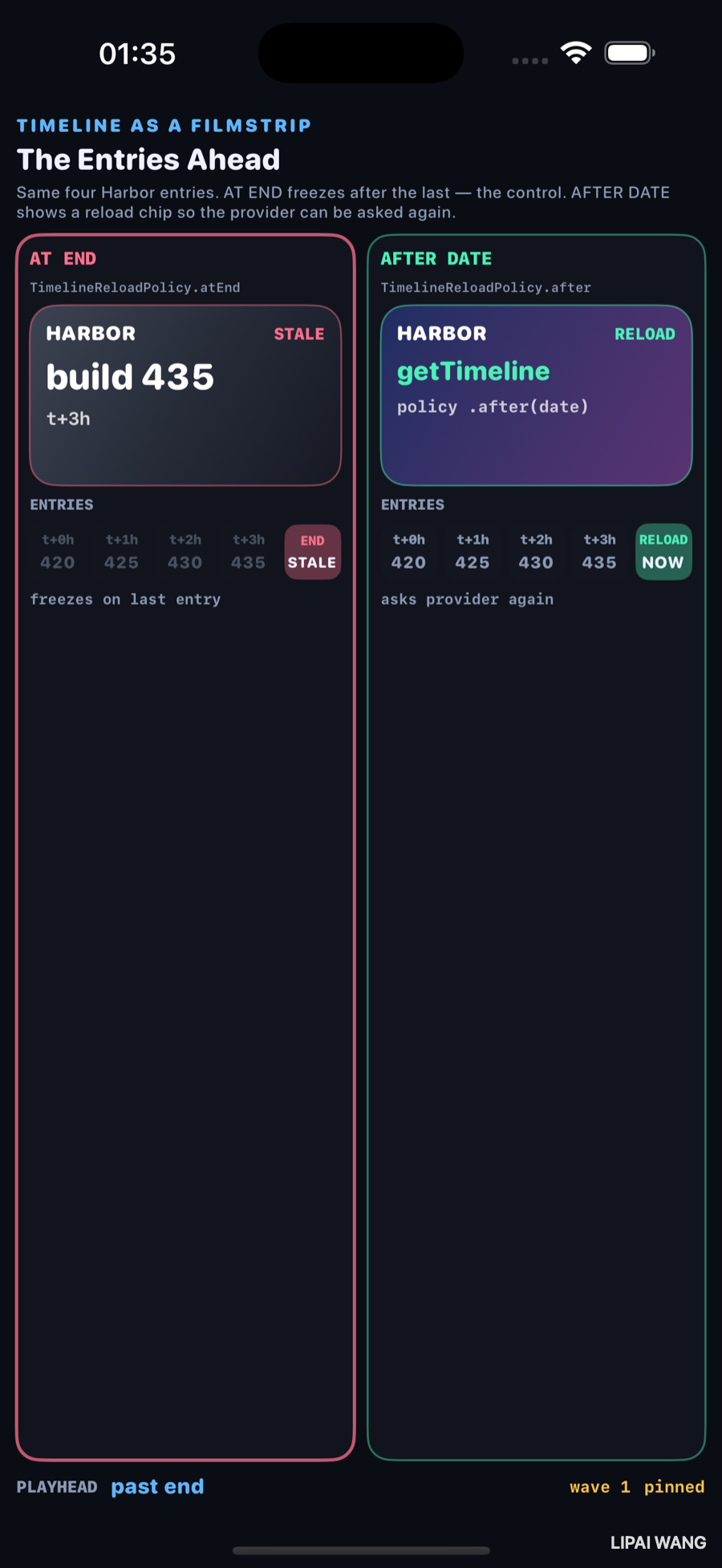
New strip: 420 · 425 · 430 · 435. AT END is stale on 435. AFTER DATE is still the reload face — the policy that made wave 1 possible.
WidgetKit asks for [TimelineEntry]. Drawing them as cells is the same array, photographed. The reload policy is not an entry — it is what happens when time walks off the end of that array.
Mini-exercise
Add a fifth entry at t+4h. Confirm AT END’s STALE moment moves one cell right.
Challenges
- Wire a real WidgetKit extension that shares
HarborTimeline.Entrywith this bench. - Show
.after(Date)with an absolute clock under the RELOAD chip. - Add a third column for
TimelineReloadPolicynever / background refresh only. - Animate the playhead with
TimelineViewinstead ofasyncAfter. - XCUITest: assert
STALEappears under-mode staleand not under-mode e2.
Key Points
- Observed wave 0 entries: 400 / 405 / 410 / 415.
- Observed mid playhead: build 410 · t+2h.
- AT END past end: face STALE on 415 — the control.
- AFTER DATE past end: RELOAD /
getTimeline. - Wave 1 entries: 420…435 after a reload.
- The filmstrip is the timeline; the policy is the cell after the last entry.
Next up: Sorting, visualised — three sorts racing on the same array with comparison counts.
Read next
Ship your apps faster
When you're ready to publish your Swift app to the App Store, Simple App Shipper handles metadata, screenshots, TestFlight, and submissions — all in one place.
Try Simple App Shipper