.resizable() shrinks what you see. It does not shrink what you keep.
Twelve procedural Harbor tiles. Three modes. phys_footprint on screen so the still does not need Instruments.
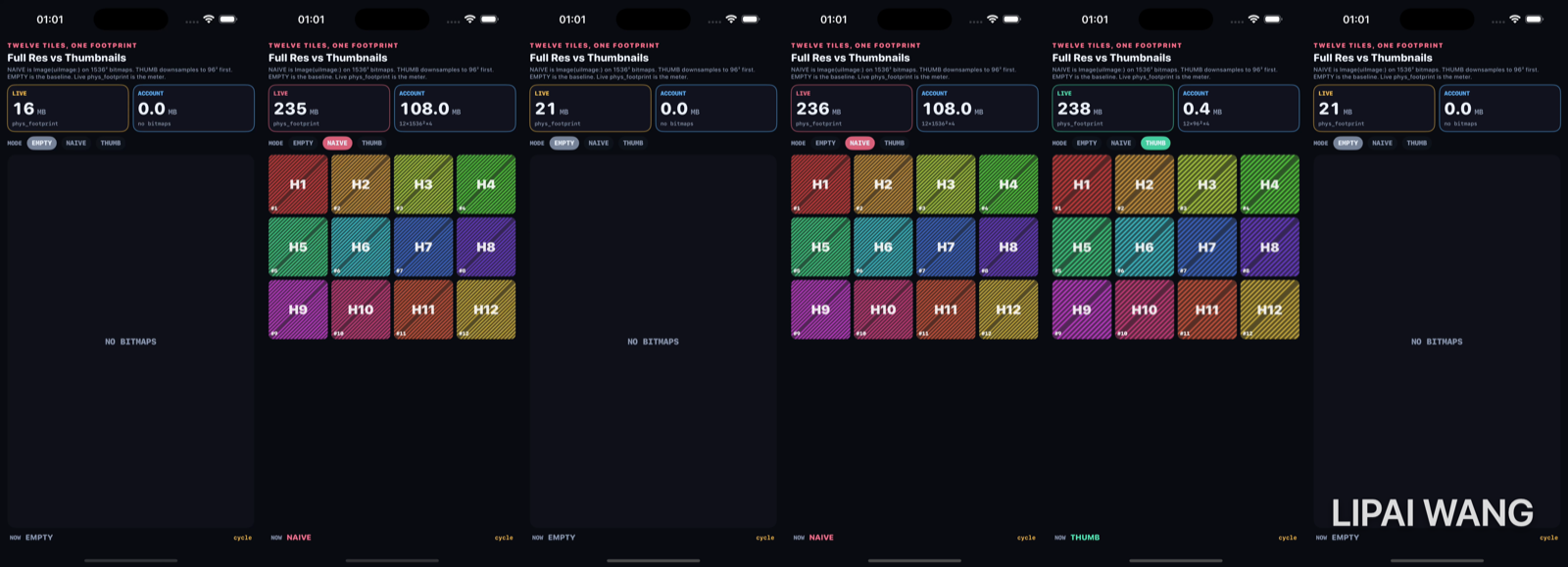
Empty — the baseline
-mode empty. No bitmaps.
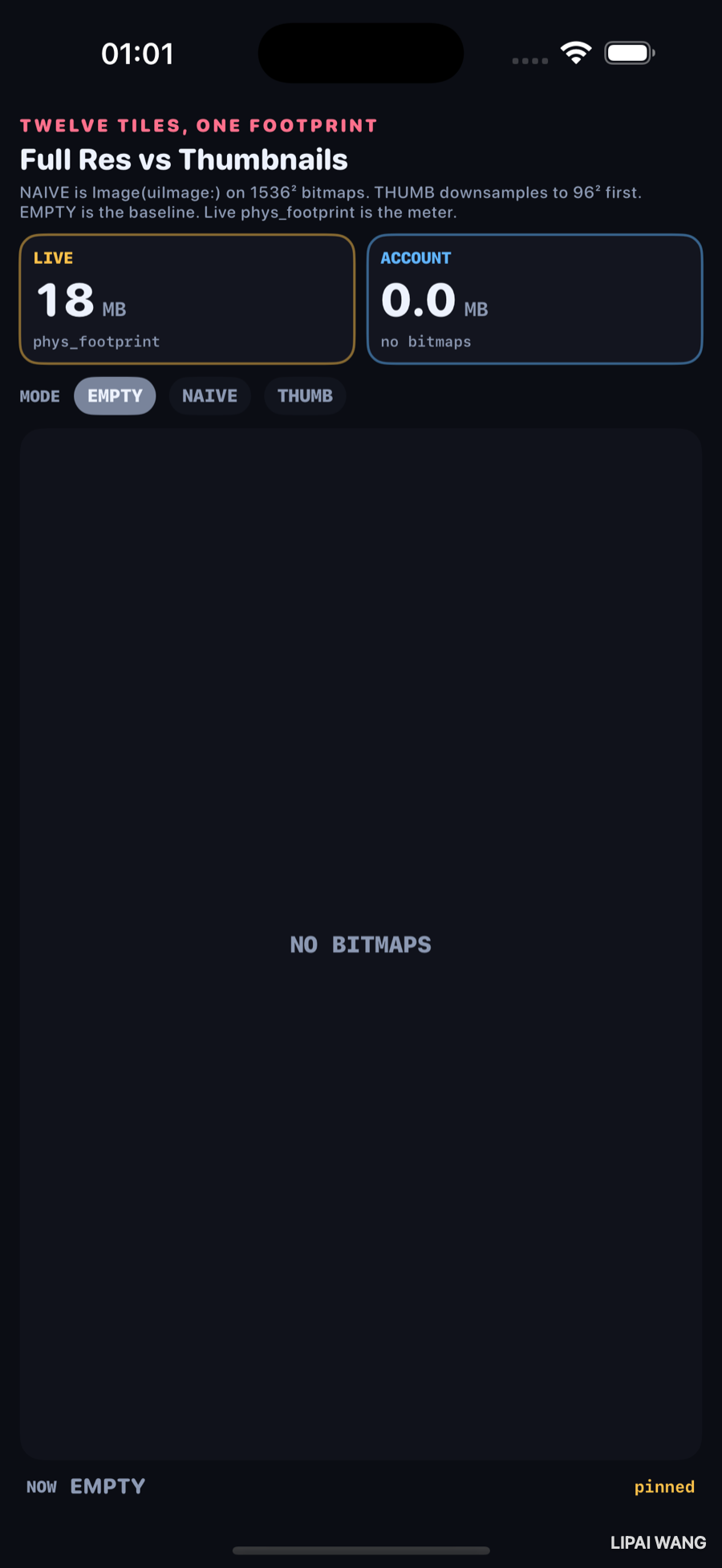
| Meter | Value |
|---|---|
| LIVE | 18 MB |
| ACCOUNT | 0.0 MB |
Naive — the control
-mode naive. Image(uiImage:) on twelve 1536×1536 bitmaps, drawn small in a grid. Accounted cost: 12 × 1536² × 4 = 108.0 MB. Decoded RGBA is also retained so pages stay dirty — otherwise the simulator under-reports.
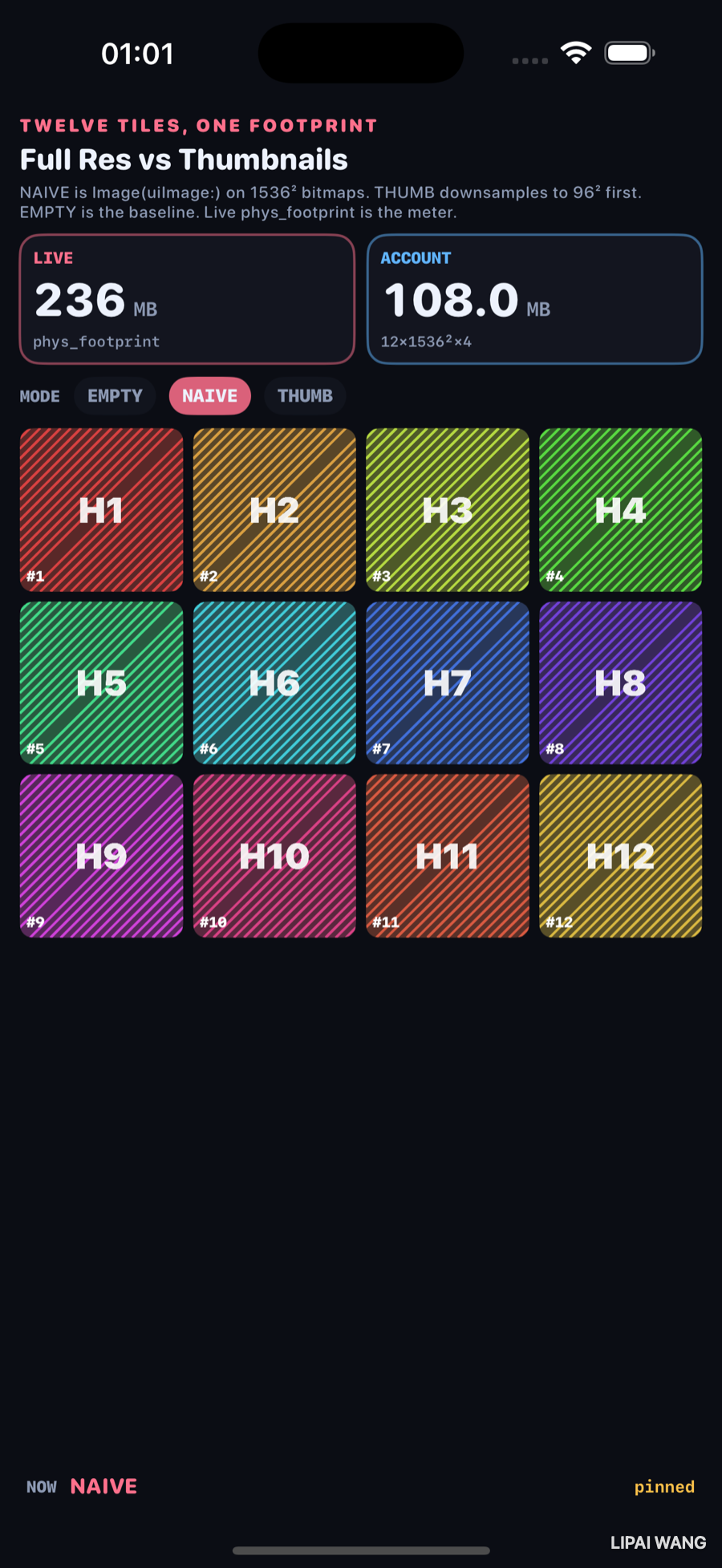
| Meter | Value |
|---|---|
| LIVE | 236 MB |
| ACCOUNT | 108.0 MB |
Live sits above account because the bench holds both the UIImage and a retained RGBA buffer per tile — roughly two dirty copies plus the app baseline.
Thumb — downsample first
-mode thumb. Same twelve labels, generated at 96×96 before the view ever sees them.
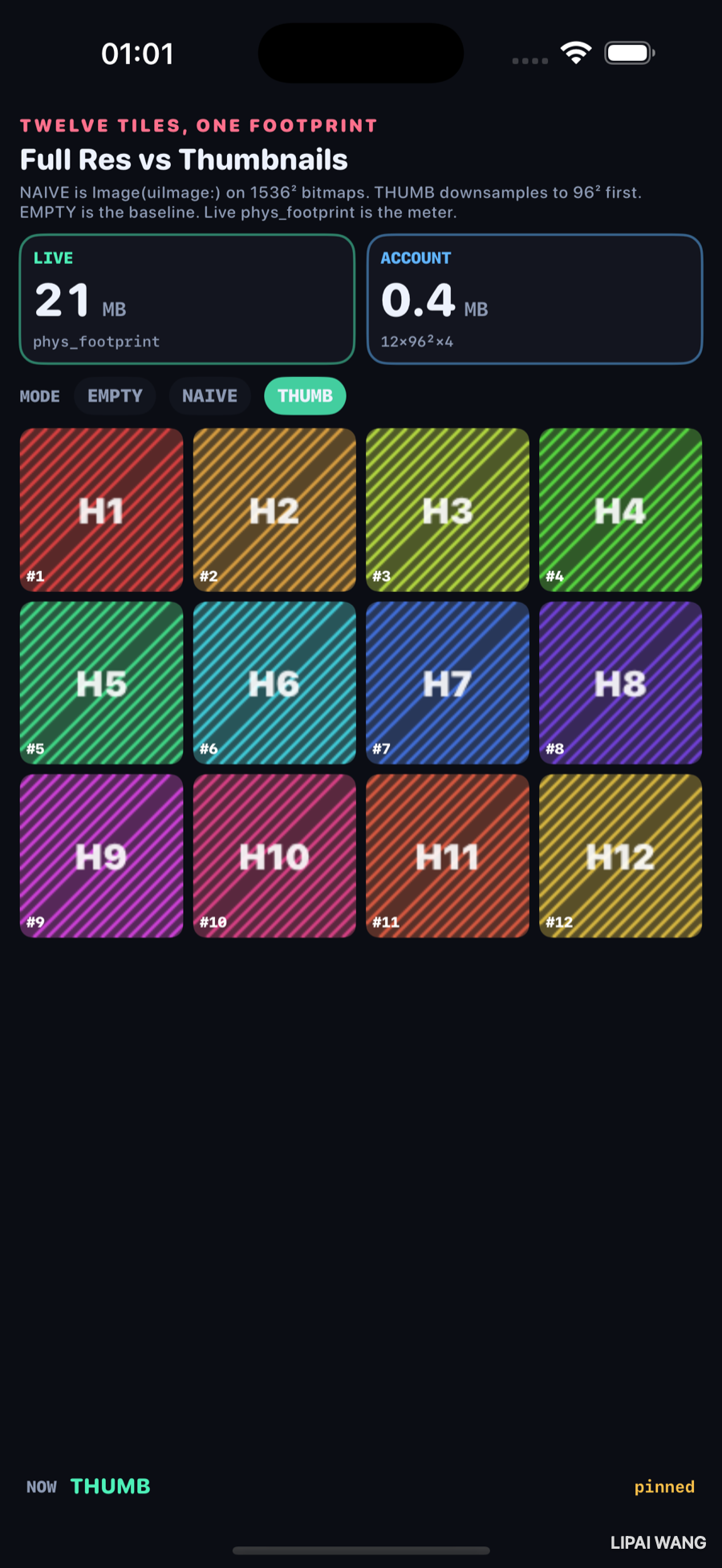
| Meter | Value |
|---|---|
| LIVE | 21 MB |
| ACCOUNT | 0.4 MB |
Visually the same grid. Accounted cost drops from 108.0 to 0.4. Live falls from 236 back near the empty baseline (21 vs 18).
ACCOUNT is arithmetic: pixels × 4 × count. LIVE is task_vm_info.phys_footprint. The first draft showed account jumping while live barely moved — UIImage alone had not dirtied enough pages. Retaining decoded RGBA made the live meter honest.
Mini-exercise
Change thumbSide from 96 to 256. Re-run -mode thumb and watch ACCOUNT become 12 × 256² × 4 ≈ 3.0 MB. Compare live to the 96² still.
Challenges
- Replace procedural tiles with PhotosPicker assets and keep the same three modes.
- Add a fourth mode that uses
ImageRenderer/ downsampledCGImageviaCGImageSourceCreateThumbnailAtIndex. - Plot live footprint every 200 ms into an on-screen sparkline while cycling.
- Purge with
tiles = []; retainedRGBA = []mid-cycle and confirm live returns near 18 MB. - Wire XCUITest to assert ACCOUNT text contains
108.0under-mode naive.
Key Points
- Observed EMPTY: LIVE 18 MB, ACCOUNT 0.0.
- Observed NAIVE: LIVE 236 MB, ACCOUNT 108.0 (
12×1536²×4). - Observed THUMB: LIVE 21 MB, ACCOUNT 0.4 (
12×96²×4). - Naive
Image(uiImage:)is the control — scaling on screen does not free pixels. - Downsample before the view, not after.
- Live footprint needs resident pages; retain decoded buffers when demonstrating.
- Accounted bytes explain the still when Instruments is not open.
Next up: Core Image and filters — a live filter chain on a still, each stage as a strip.
Read next
Ship your apps faster
When you're ready to publish your Swift app to the App Store, Simple App Shipper handles metadata, screenshots, TestFlight, and submissions — all in one place.
Try Simple App Shipper