Jigsaw Puzzles - Puzzle Games
6 screenshots
Jigsaw Puzzles - Puzzle Games — App Analysis & Design Review
Overview
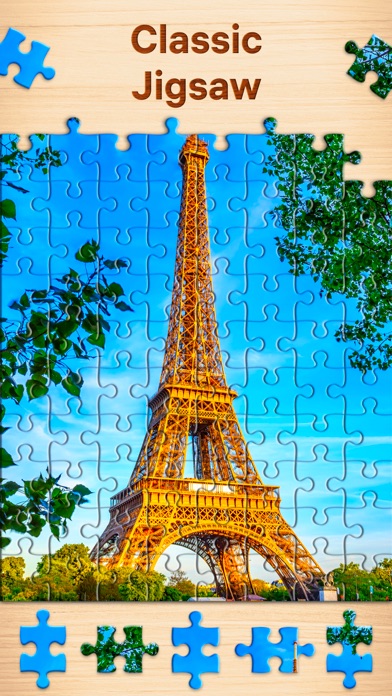
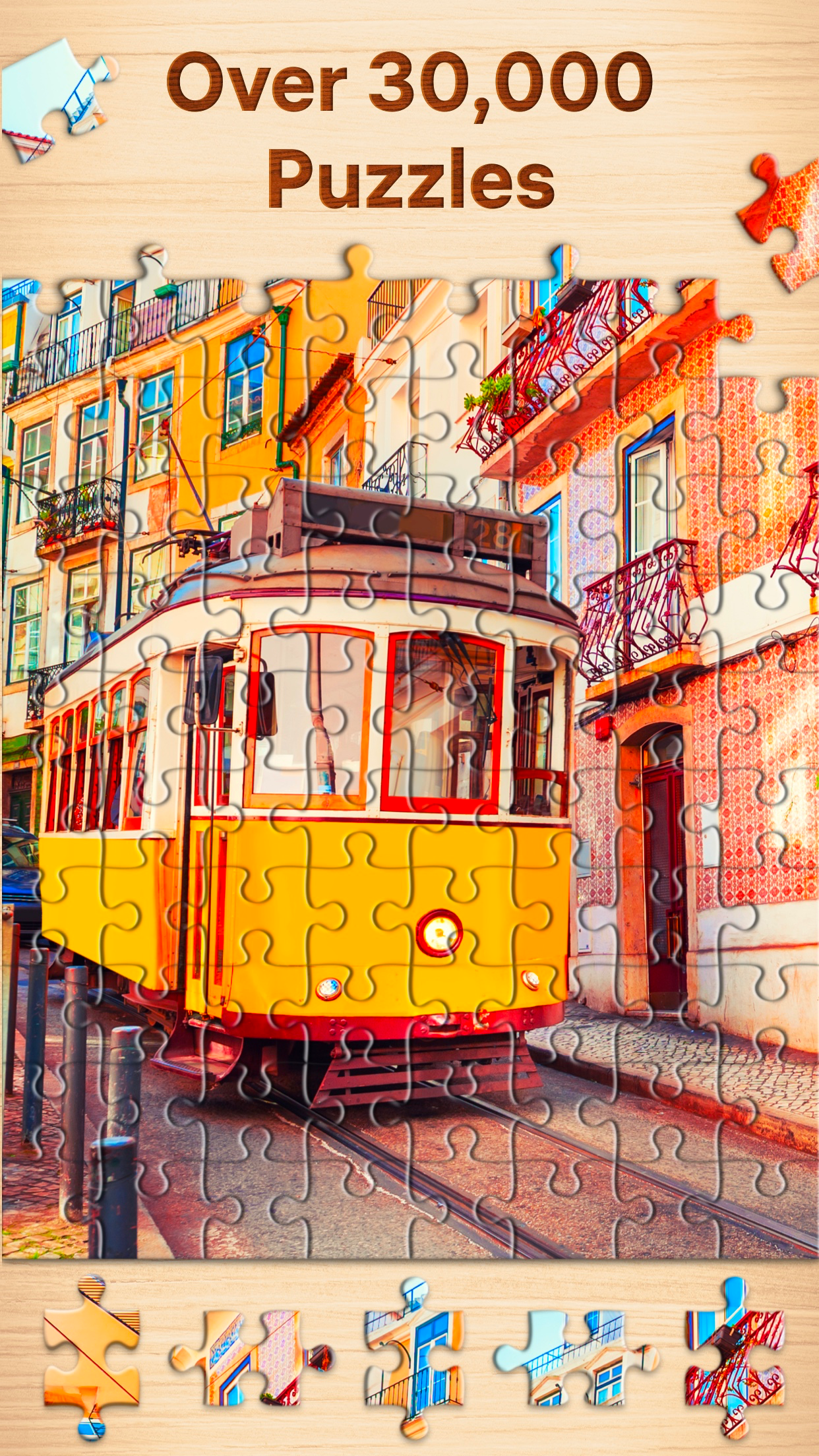
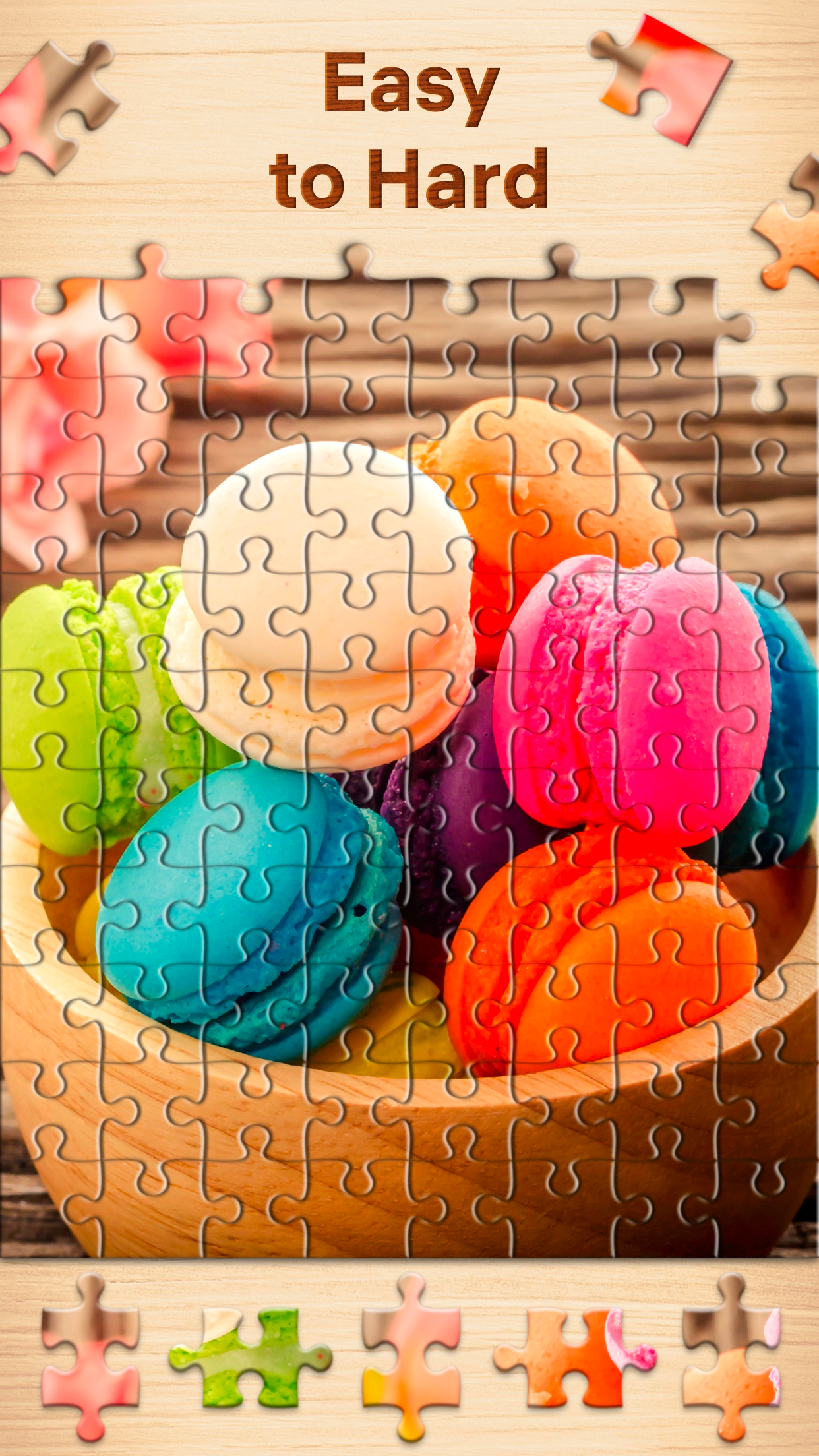
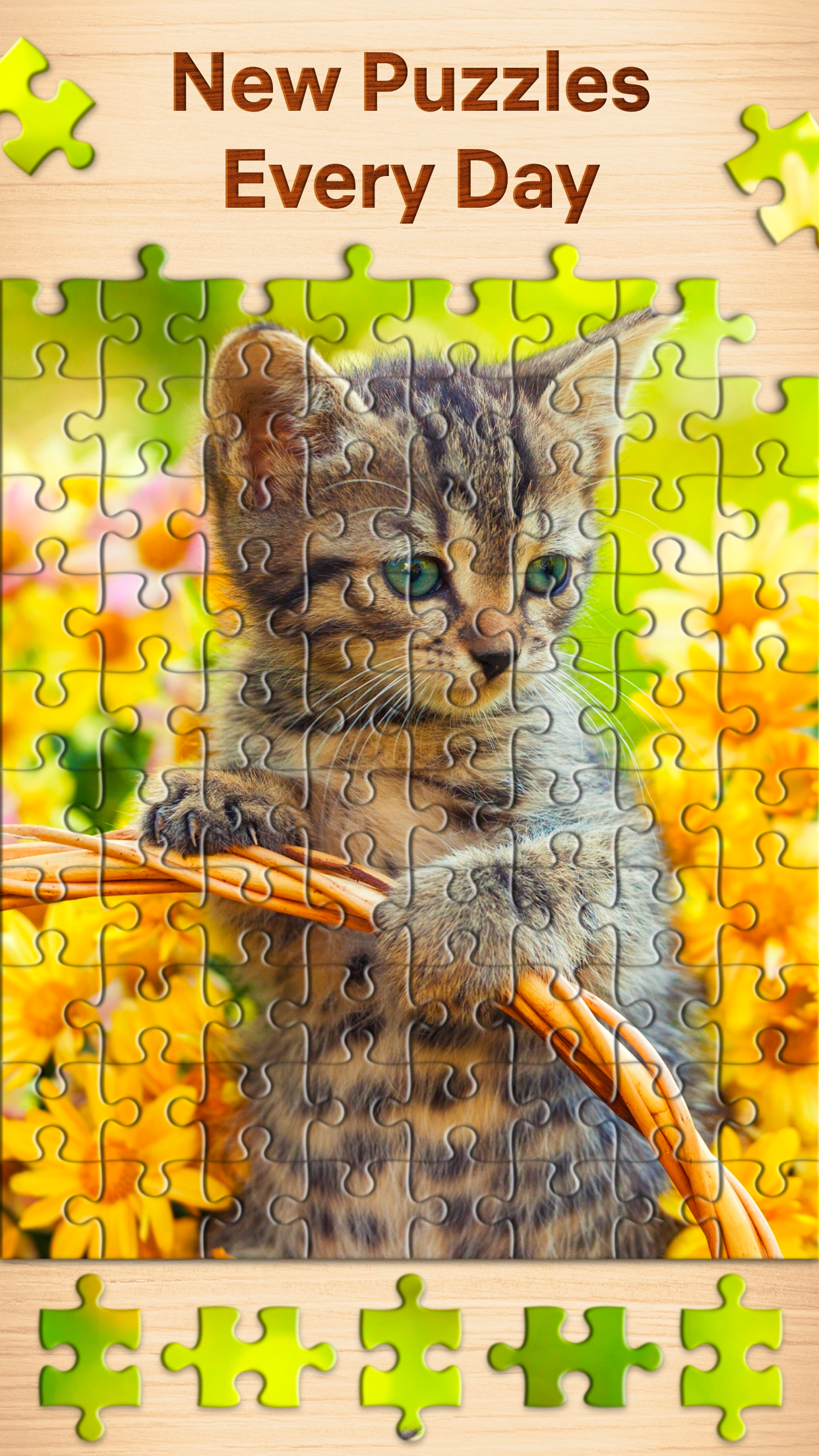
Jigsaw Puzzles - Puzzle Games is a app. We've captured 6 unique screenshots across 4 distinct screen types, giving you a comprehensive look at their UI design patterns.
UI Design Breakdown
- Home Screen (1) — The main interface establishes the core value proposition and primary navigation pattern.
- Onboarding (1) — The onboarding flow introduces key features and guides new users through initial setup.
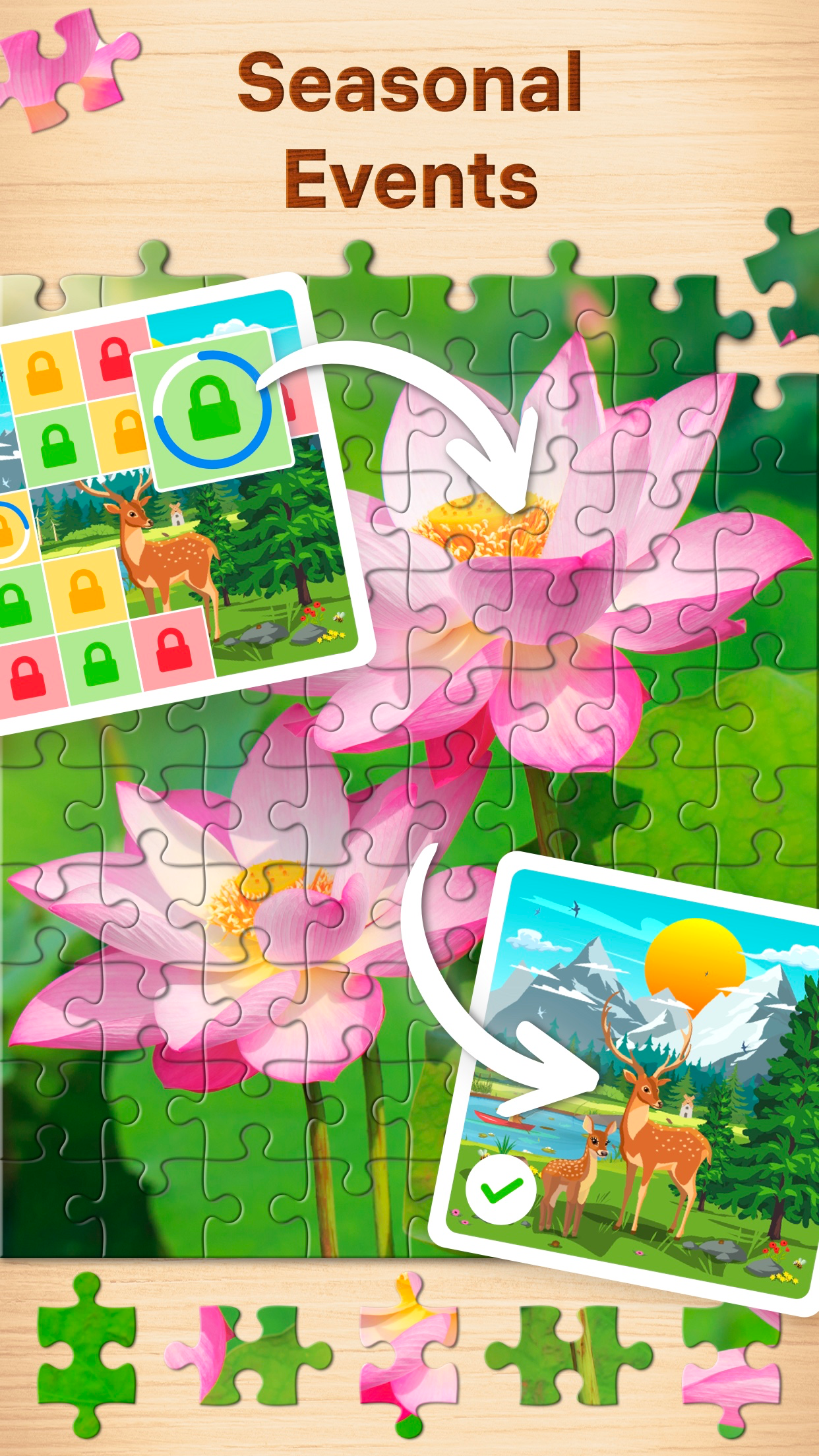
- Feature Screens (2) — Deep-dive into the app's core functionality and interaction patterns.
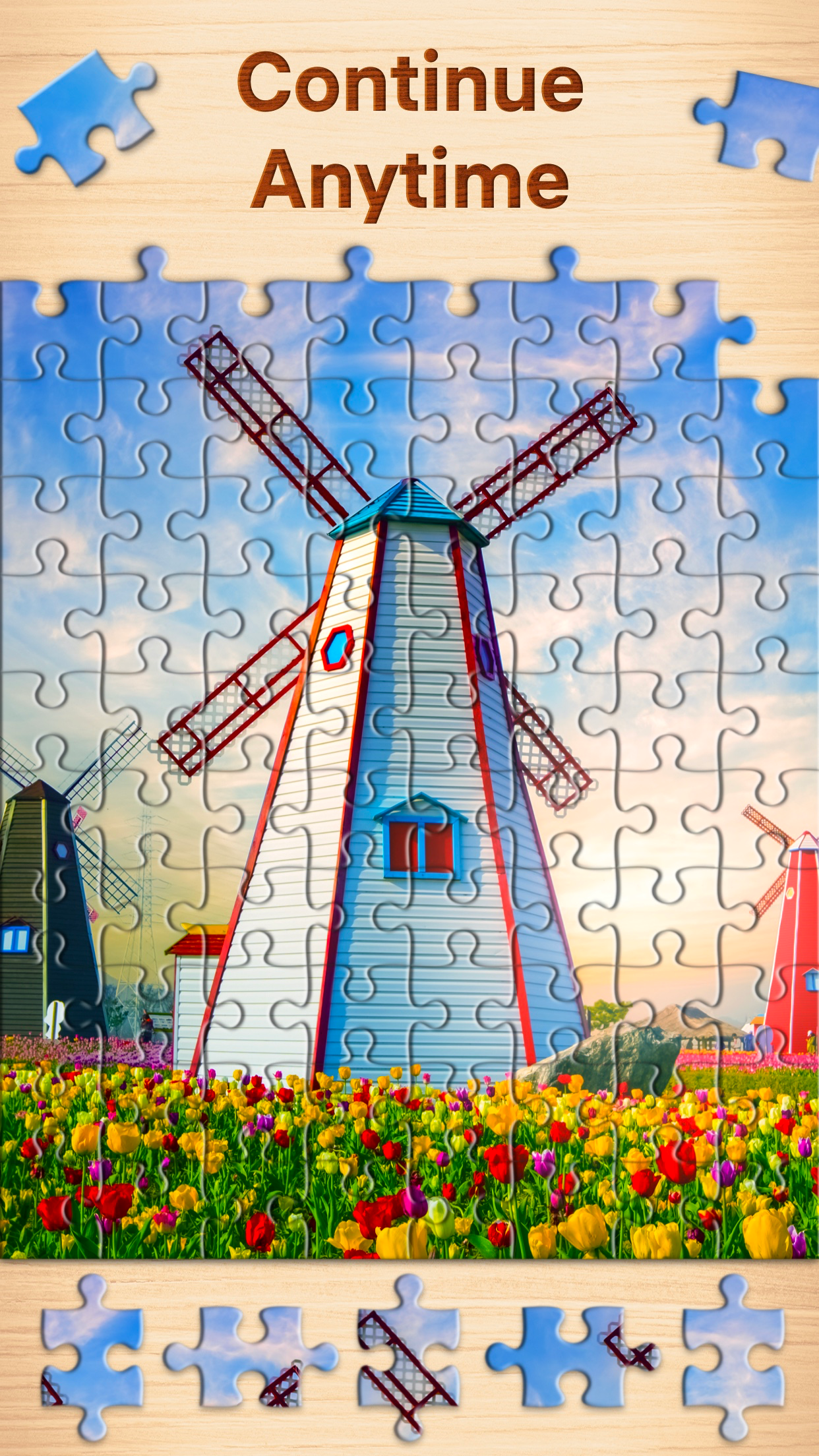
- Settings (2) — Configuration and customization options reveal the app's flexibility and user control approach.
Market Position
Jigsaw Puzzles - Puzzle Games competes in the category on the App Store.
Design Takeaways
Designers and developers can learn from Jigsaw Puzzles - Puzzle Games's approach to progressive onboarding that reduces friction for new users, clear information hierarchy on the home screen, consistent visual language across multiple screen types.
Total Screens
6
Unique screenshots captured
Screen Types
4
home, onboarding, features, settings
Category
—
com.easybrain.puzzles
Rating
—
No rating data
All Screenshots 6
#1
#2
#3
#4
#5
#6